📥How to Join
🖥️ Java Edition (PC)
To join on Java Edition:
Open Minecraft Java Edition.
Click Multiplayer → Add Server.
Enter the following details:
Server Address: play.gr1zzlymc.net
Click Done, then select Gr1zzlyMC from your list and hit Join Server.
📱 Bedrock Edition (Mobile, Windows, Pocket Edition)
To join on Bedrock Edition (mobile, Windows 10, iOS, Android):
Launch Minecraft Bedrock Edition.
Go to Play → Servers → Add Server.
Enter the following details:
Server Address: play.gr1zzlymc.net
Click Save and then Join Server to connect.
🎮 Console (PS5, PS4, Xbox, Pocket Edition)
Joining on console is slightly different:
Launch Minecraft and go to the Play menu.
Navigate to the Friends tab.
Add the username: PlayGr1zzlyMC
(Both "L" characters are lowercase “L”, not “i”).
Wait for the friend request to be accepted.
Once accepted, join the friend session to enter the server.
✅ Confirmed working on: PC Bedrock, PS5, PS4, Xbox, Pocket Edition
❌ Not confirmed on: Nintendo Switch
📺 Watch the Tutorial
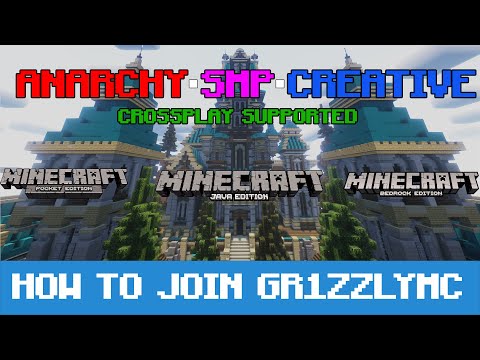 Watch this quick video to see the full joining process step by step.
🧠 Tips & Troubleshooting
On Bedrock, if using the IP, double-check the port number — it must be 19132.
On console, ensure you’re signed into your Xbox Live / PlayStation Network account before adding the friend.
If you still can’t connect, restart Minecraft and try again.
🎉 Once connected, you’ll spawn in the Hub, where you can explore game modes, claim rewards, and start your adventure!
Last updated